Fast retail checkout
Search or scan products, adjust price and quantity, apply discounts, and take the payment method that suits the sale.
 XtremeSystemPOS for WindowsRequest a demo
A focused point-of-sale and service workspace for retailers who need flexible hardware, reliable inventory sync and proper NZ tax invoices.
Built for the awkward parts of running a technology store that generic point-of-sale software often leaves behind.
Search or scan products, adjust price and quantity, apply discounts, and take the payment method that suits the sale.
Keep products, customers, orders and inventory connected to the Shopify store and the selected retail location.
Review sale history, confirm bank payments and edit eligible unfulfilled Shopify order items from one workspace.
Print or email professional NZD tax invoices and receipts with GST, company, customer and bank details.
Create job numbers, email received confirmations, track repair status and send a service invoice at completion.
Review supplier Excel files, merge matching models, set selling prices, add images and publish only selected products.
EFTPOS ready by integration Optional Vcloud connection for supported payment providers.
The setup guide walks through the complete connection without hiding the important details: permissions, private configuration, test payments and stock checks.
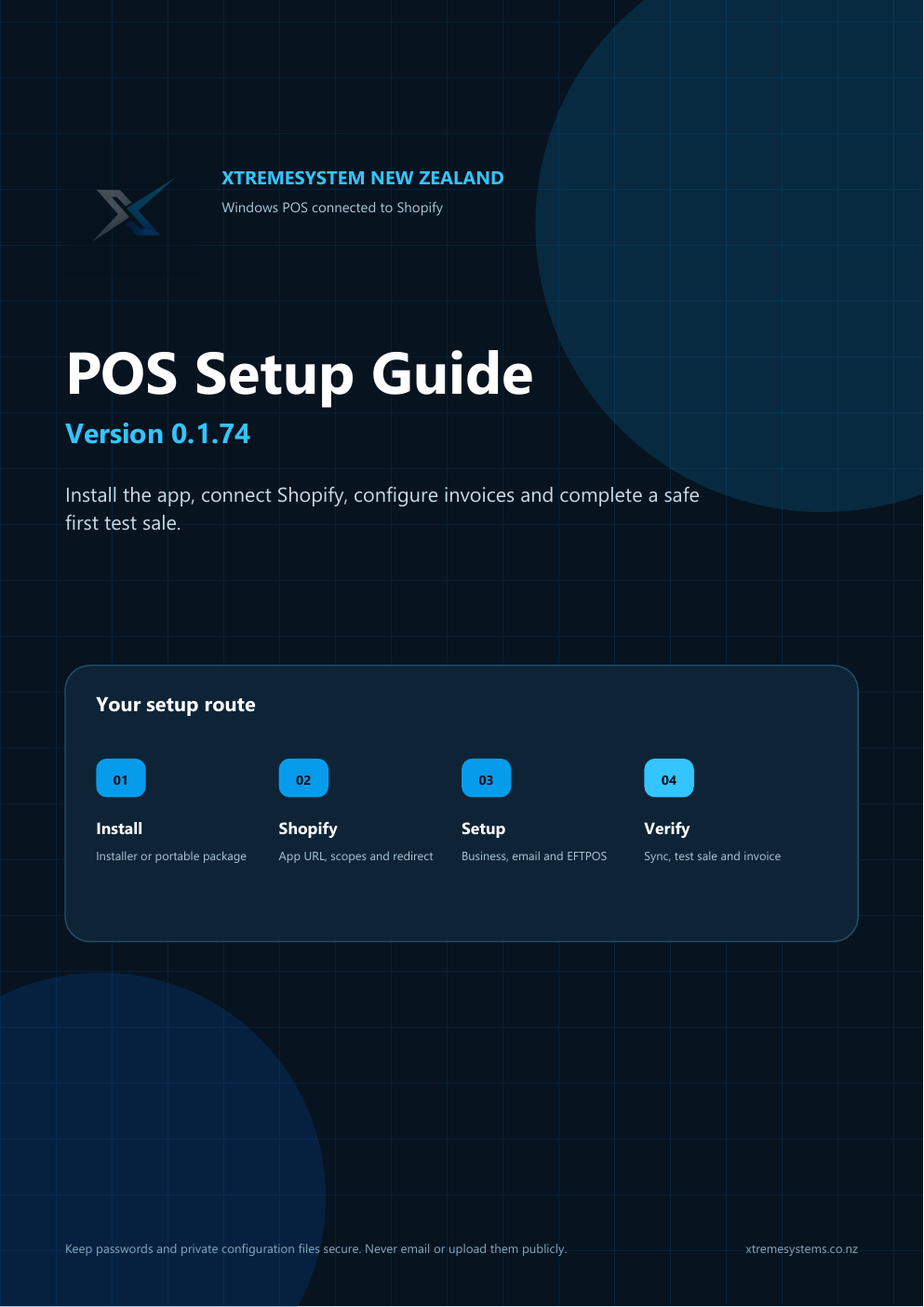
Use the Windows installer or extract the portable package.
Authorize your Shopify store and choose the retail location.
Add business, invoice email and optional EFTPOS details.
Run a low-value test sale and confirm stock, order and invoice.
Store tokens, email passwords and service job data are not included in public downloads. The setup guide explains which files must remain private.
No. Shopify remains the source of truth for products, customers, online orders and inventory. XtremeSystem POS adds a Windows-friendly in-store and service workflow on top of your Shopify store.
No. It is an independent Windows POS connector developed around XtremeSystem retail and repair workflows. It connects through your own Shopify app credentials and granted permissions.
A Windows 10 or Windows 11 computer, Microsoft Edge and an internet connection are enough for normal use. EFTPOS integration depends on HTTP-based Vcloud access supplied by your payment provider.
Follow the downloadable six-page setup guide. It covers installation, Shopify URLs and scopes, email, EFTPOS, first sync, first sale testing and secure backups.
Tell us about your Shopify store, Windows hardware and payment terminal. We will help you map the right setup.